1. Choose the lead singer
Upload a clear portrait of one consenting adult.
YOUR PHOTO · YOUR BAND
Upload a lead portrait and add up to four friends. Choose your quality and let the studio create an original desk concert with sound.
1 lead photo · Up to 4 optional bandmates · 19s · Sound included
$9.90 · 20 credits
Choose the lead, add friends if you like, and use our built-in performance directions.
Sign in to check your balance. See all packs
Upload a clear portrait of one consenting adult.
Add up to four optional backing singer, keyboard and sax portraits.
Review the credit cost, create your video, then play or download it from your account.
At 480p, a 6-second video uses 6 credits and the default 19-second video uses 19 credits. Adding friends does not increase the cost. Review the total before generating. See all packs
Create a fictional desk-concert performance from authorized portraits, with original audio and a band scene. Understand the format and its limits.
Sign in, choose a lead singer and optional band members, review duration and quality, then generate and download an original video with audio.
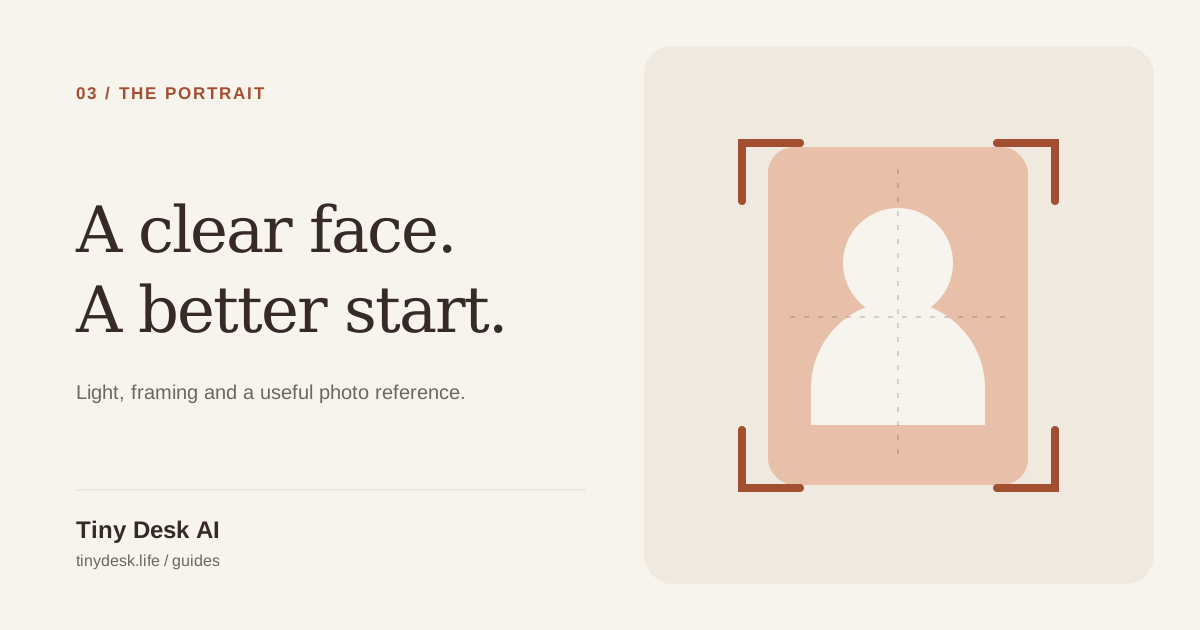
Prepare clear adult portraits for the singer and optional band members. Check lighting, framing, file size and permission before uploading.
Check a generated performance for face consistency, hands, microphones, framing and sound before downloading and sharing your MP4.
Find practical preparation tips in the guides, or send us a question.
Contact supportTiny Desk AI is an independent photo-to-performance service. Upload authorized adult portraits to create a fictional desk-concert video with original audio.
Understand the Tiny Desk AI formatUse a separate recent portrait for each adult, facing the camera with even light and the head and shoulders visible. If you start with a group photo, crop one portrait per person before uploading. Avoid sunglasses, masks and strong filters.
Prepare a clear portraitSign in with Google, choose a credit pack or subscription, then upload your portraits and review the cost before generating. If maintenance is announced, wait for service to resume.
Videos include original generated audio. Singing and mouth movements can have artifacts. We do not clone your voice or provide licensed concert recordings.
Choose one lead singer and add up to four optional bandmates. Use one consenting adult per photo. Empty roles use fictional adult musicians, and adding bandmate portraits does not increase the credit cost.
The studio generates original music and singing for the built-in performance. There are currently no song-upload, custom-lyrics or audio-editing controls. The voice is generated rather than cloned from a person in a photo.
You receive a 9:16 vertical MP4 with sound. Choose 6, 12, 19 seconds and 480p, 720p or 1080p in Advanced settings. The default is 19 seconds at 480p; higher resolutions use more credits.
Yes. Watch the authorized six-second, two-person example on this page with sound. It is one actual result, not a guarantee of identical quality for every photo. New generations require credits; signing up does not include free generation credits.
The task may stay queued or processing while the model works. The selected video length is the length of the finished clip, not a promised processing time. You can leave the page and check My videos or the completion email; there is no fixed completion-time guarantee.
At 480p each second costs one credit; 720p costs 3× and 1080p costs 6×. Credits from packs never expire; subscription credits are added every month and expire at the end of that month. Renders use the credits that expire soonest first, and credits are refunded automatically if a render fails.
Open My account → Billing and choose Cancel renewal. You won’t be charged again, and your plan and credits stay available until the end of the current period.
Only with their permission, and never photos of minors, celebrities or public figures. Accounts that break this rule are closed.
Uploads are private, used only to make your video and deleted automatically 7 days after upload. Finished videos are kept for 30 days after they finish. These retention periods apply to our storage; APIMart / Seedance retention and deletion confirmation are described in the privacy policy.